I adapted the python script to download on my laptop the latest data file from Fuel Watch into a folder which is defined as a datasource for Power BI desktop.
In order to get daily data from Fuel Watch I used Windows task scheduler so that this script is run every day.
My own script (GetLastestFuelData) in on Github as https://github.com/ozivier/FuelWatch
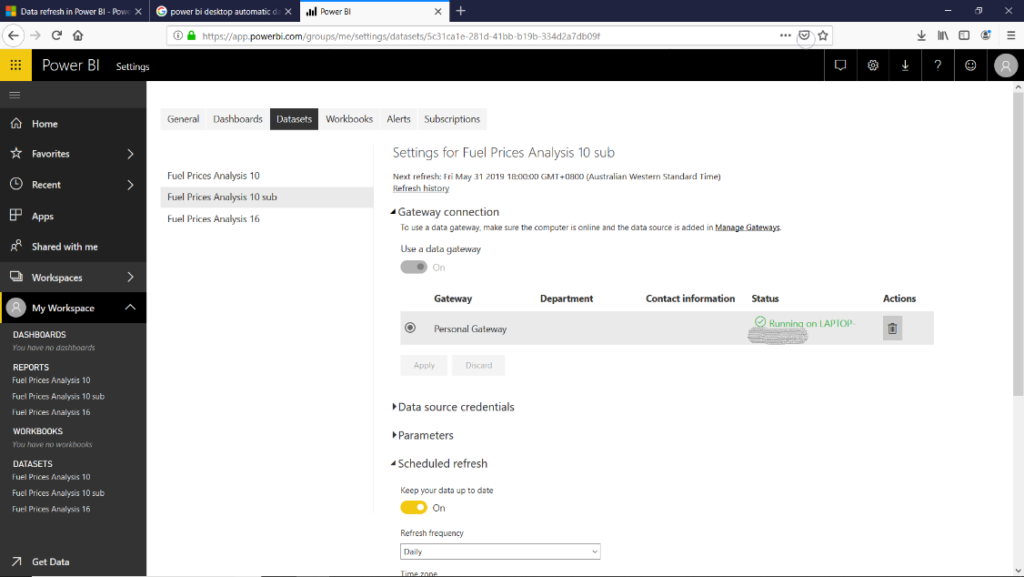
The next step was to set up also an automatic refresh of the data in Power BI. It is possible to do automatic refresh in Power BI service (but not in my Power BI desktop – as far as I know). To get daily refresh I set up a gateway connection with my own laptop.